Mojio · 2016–2018
Showing information only when it matters
As an entry-level UX designer, I helped design and ship Mojio’s flagship native apps for tracking and monitoring your car, while the customer base grew from 2,000 to over 100,000. After being promoted to Senior Product Designer, I led the design team on a follow-up app that took the App Store rating from 3.7 to 4.7.
What was Motion by Mojio?
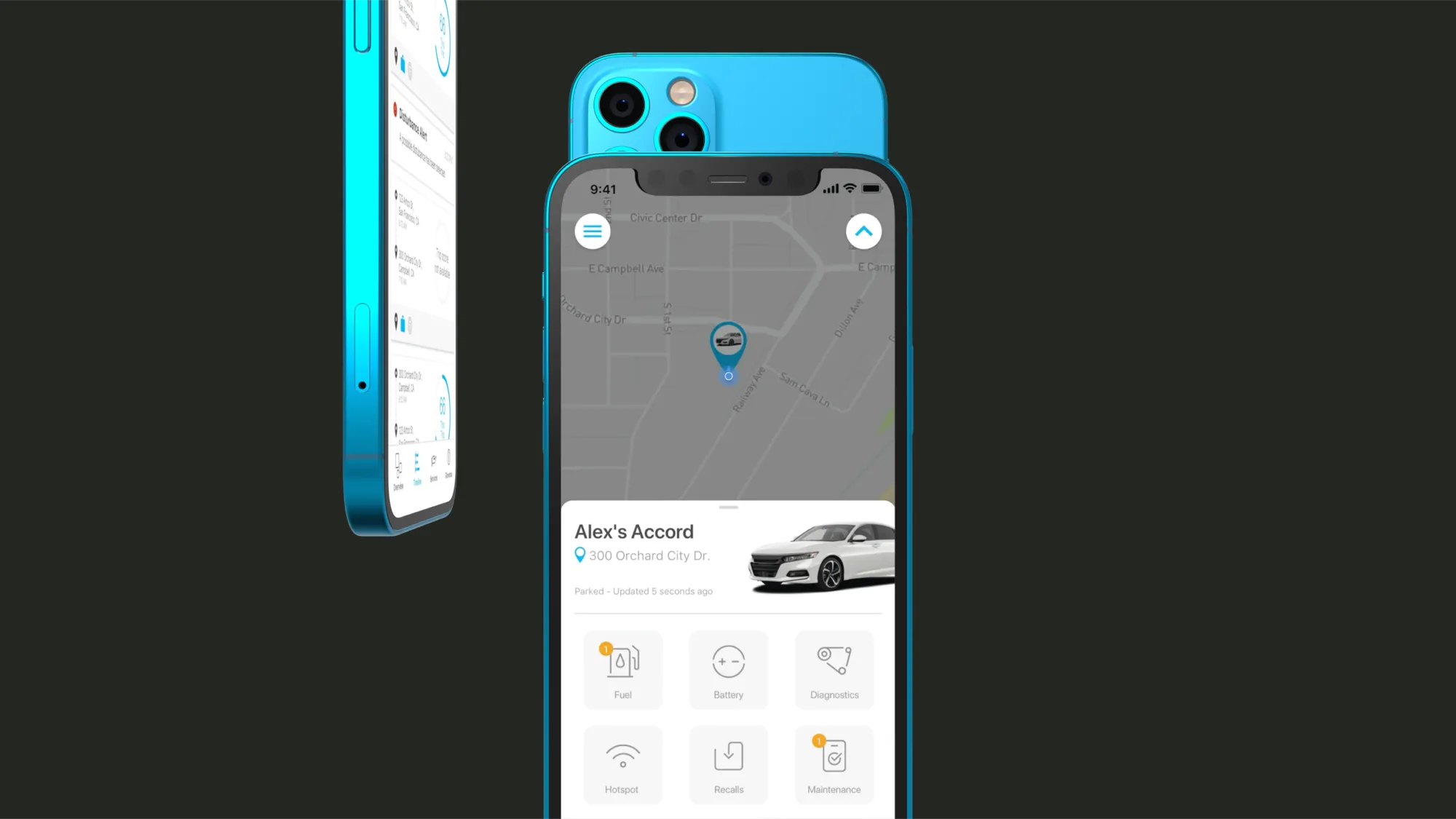
Motion was an app developed by Mojio. The app paired with a device that plugged into your car. This allowed users to see where the car was, how much gas it had, when maintenance was due, and more. Three groups used it: drivers keeping tabs on gas, maintenance and their own driving, parents keeping track of their kids on the road, and business owners managing company-owned vehicles. After the MVP app did well, the company wanted to go beyond tracking and add services: roadside assistance, a gas station finder, and parking.
Re-architecting the app for all of that also gave us a chance to step back, take in feedback from more than 100,000 users, and rethink the experience.
Early explorations
Most of the features we wanted to add, like roadside assistance and the gas finder, were big enough to have whole apps devoted to them. Bolt them on and the app gets unwieldy. Everything had to be re-evaluated.
The existing app also showed you everything all the time, like the car’s battery level, even though batteries almost never fail. The big change was to show information only when it mattered. By choosing to surface information contextually and only as needed, we could regain precious screen real estate.
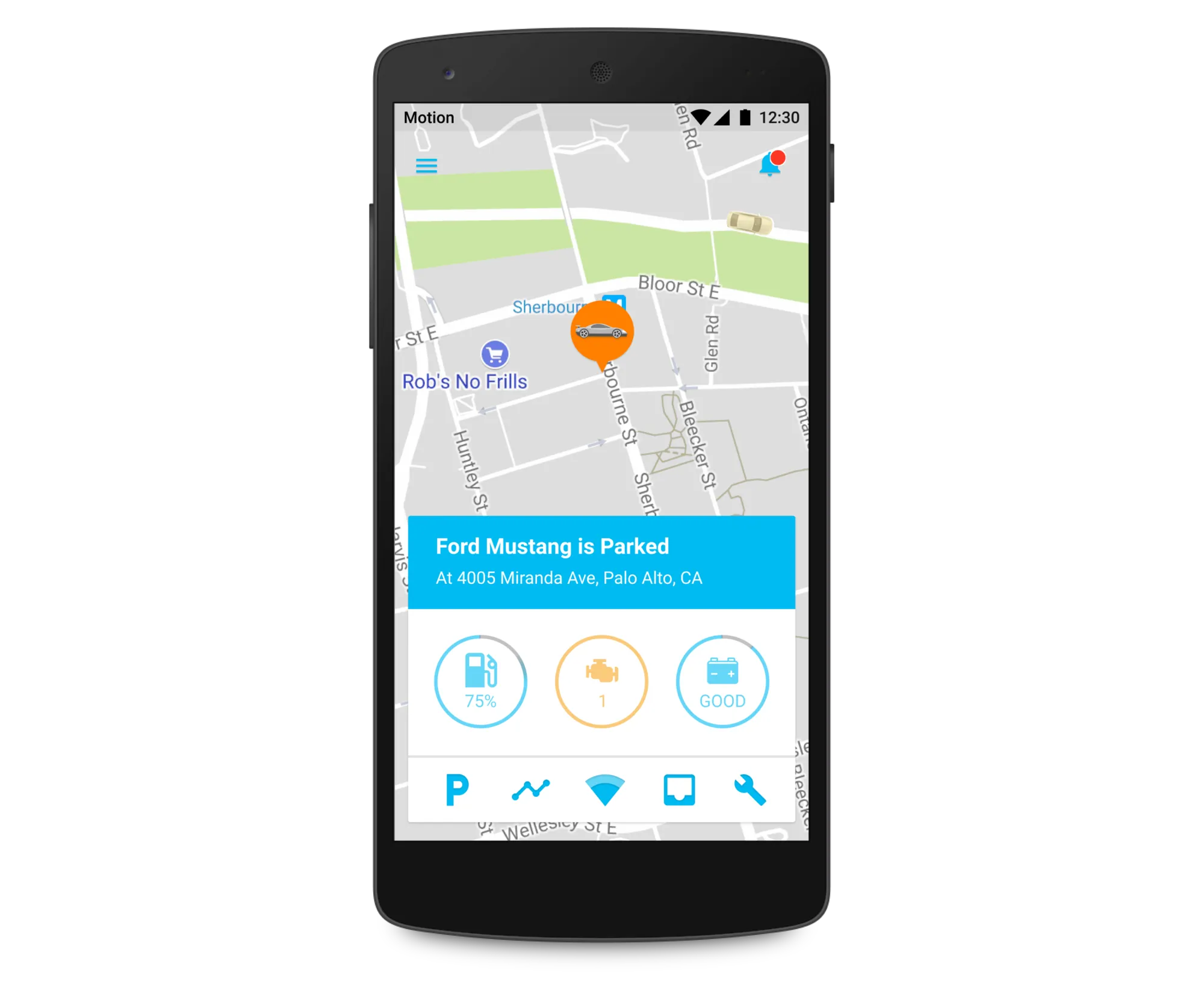
- What I liked
- Where the car is and how much gas it has are front and center. It’s clear there’s more you can do from the card.
- What concerned me
- Cluttered, with too many options. Rare things like engine and battery issues get as much prominence as common ones.
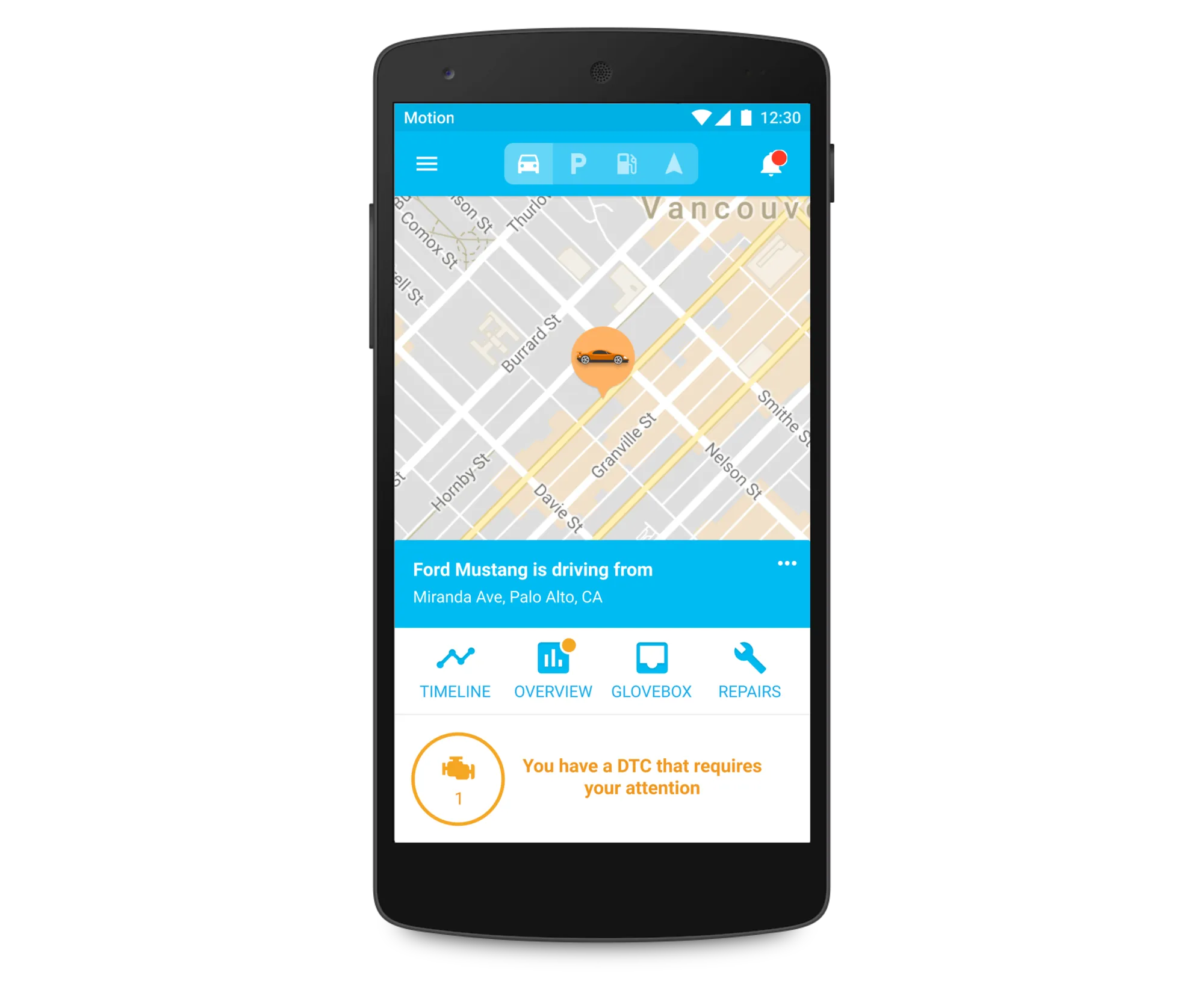
- What I liked
- Issues you need to know about get a dedicated spot, where they can get your attention.
- What concerned me
- Still visually heavy and still too many options. Hiding fuel in this version felt like a bad trade. Cars only rarely had issues so the space below felt too prominent.
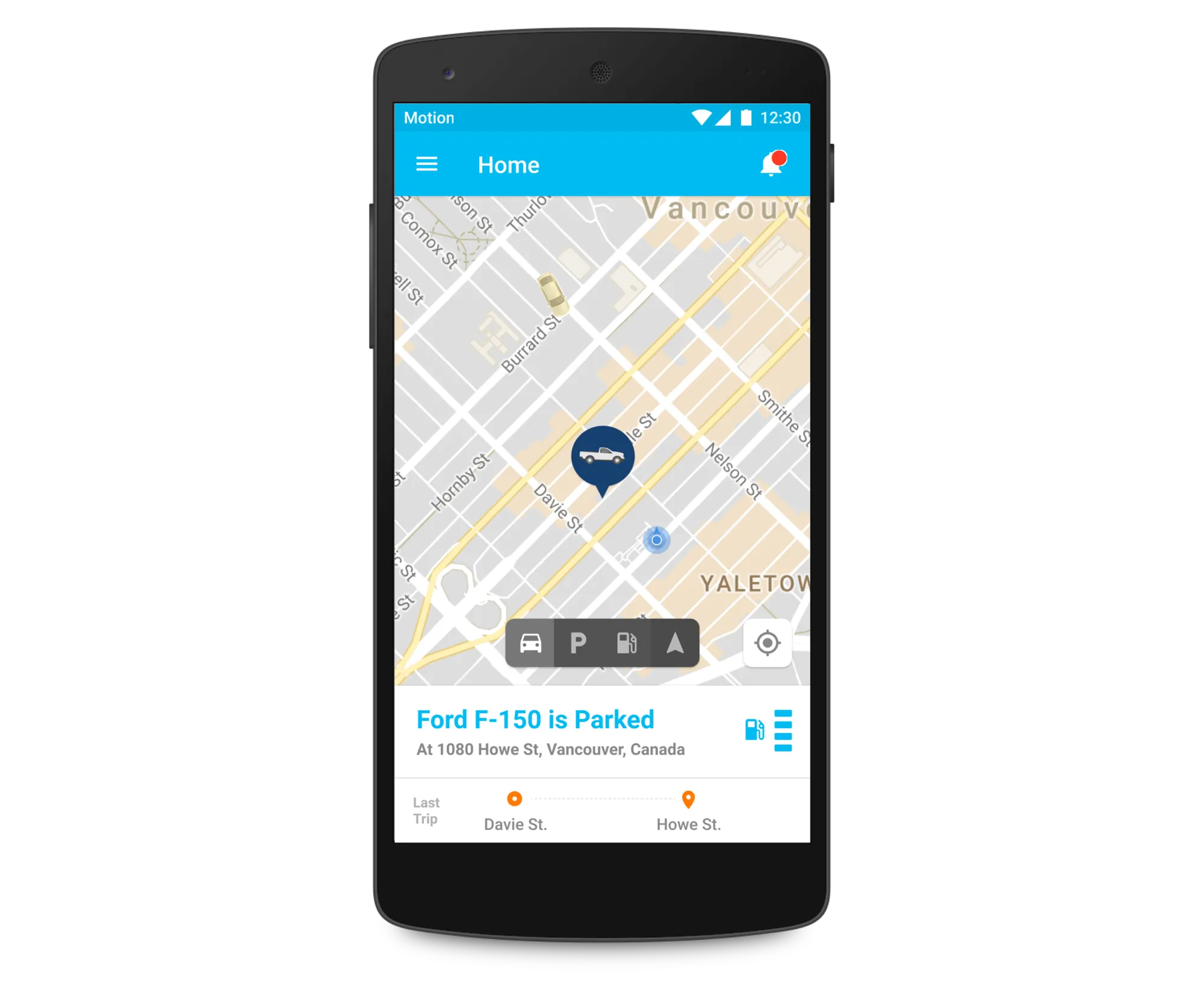
- What I liked
- Focused on the details that change through the day. Rarer metrics are tucked away.
- What concerned me
- The dial for switching between car details, parking, gas and navigation was never going to work. It was loud and distracting for features you might never use. Those had to blend in more naturally.
Final design
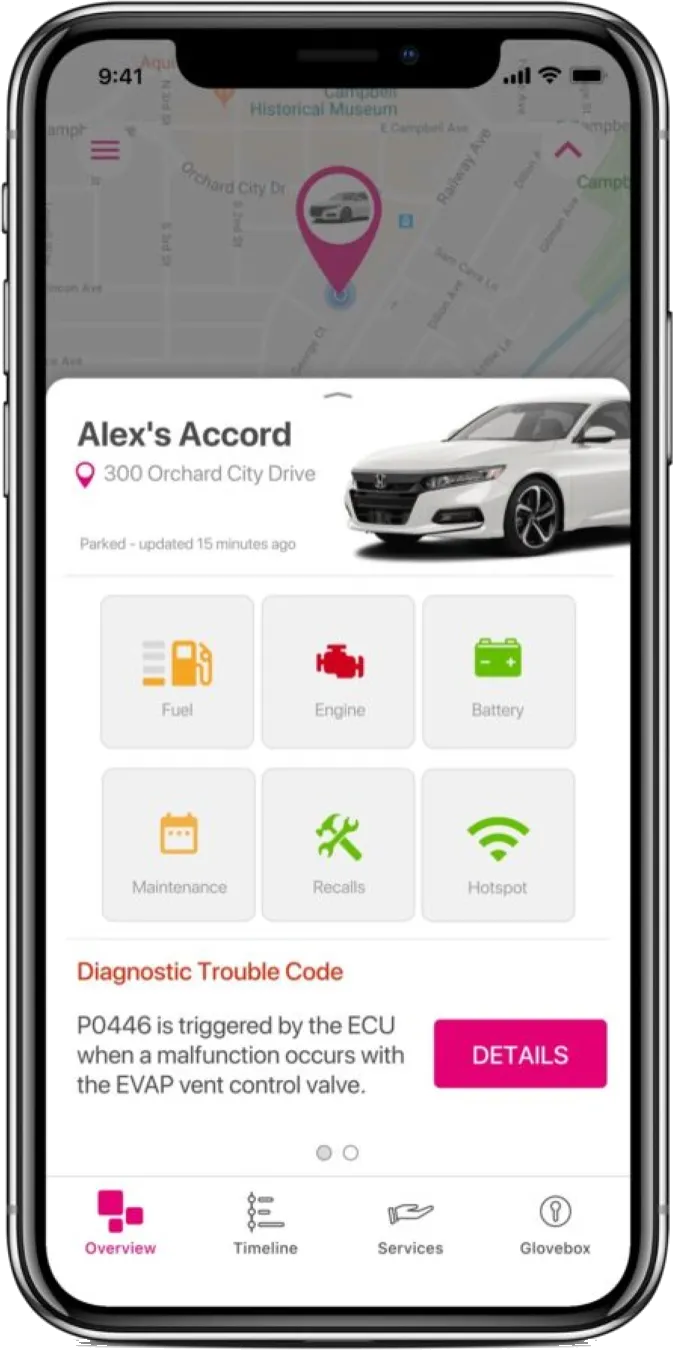
After a few more rounds and user feedback, I landed here. It takes the best parts of the explorations and gives you everything the old app did, on one screen.
The key idea was what I called “context cards”: status updates that appear when we think something deserves your attention. This way, we could optimize the experience for the things that changed frequently.
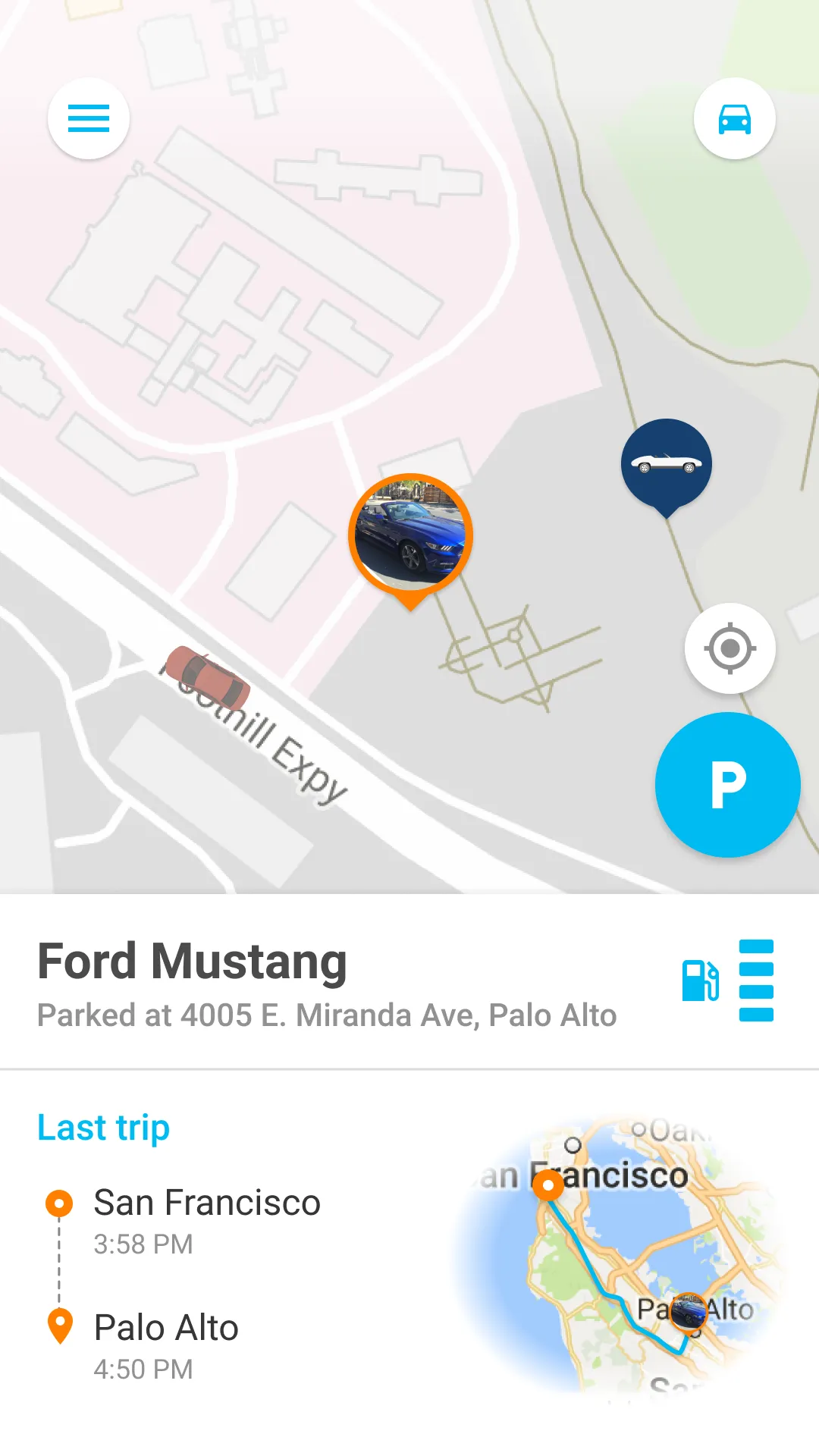
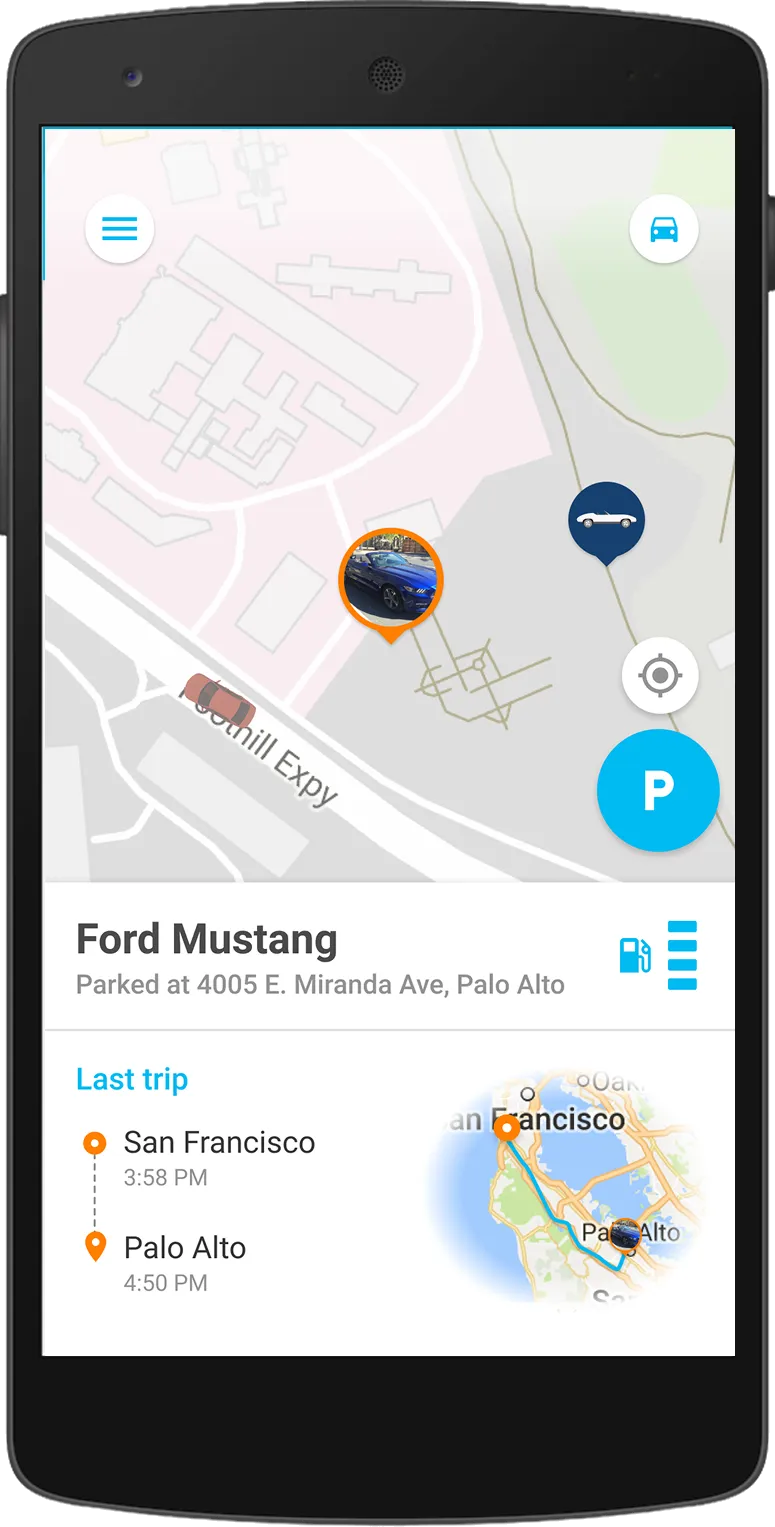
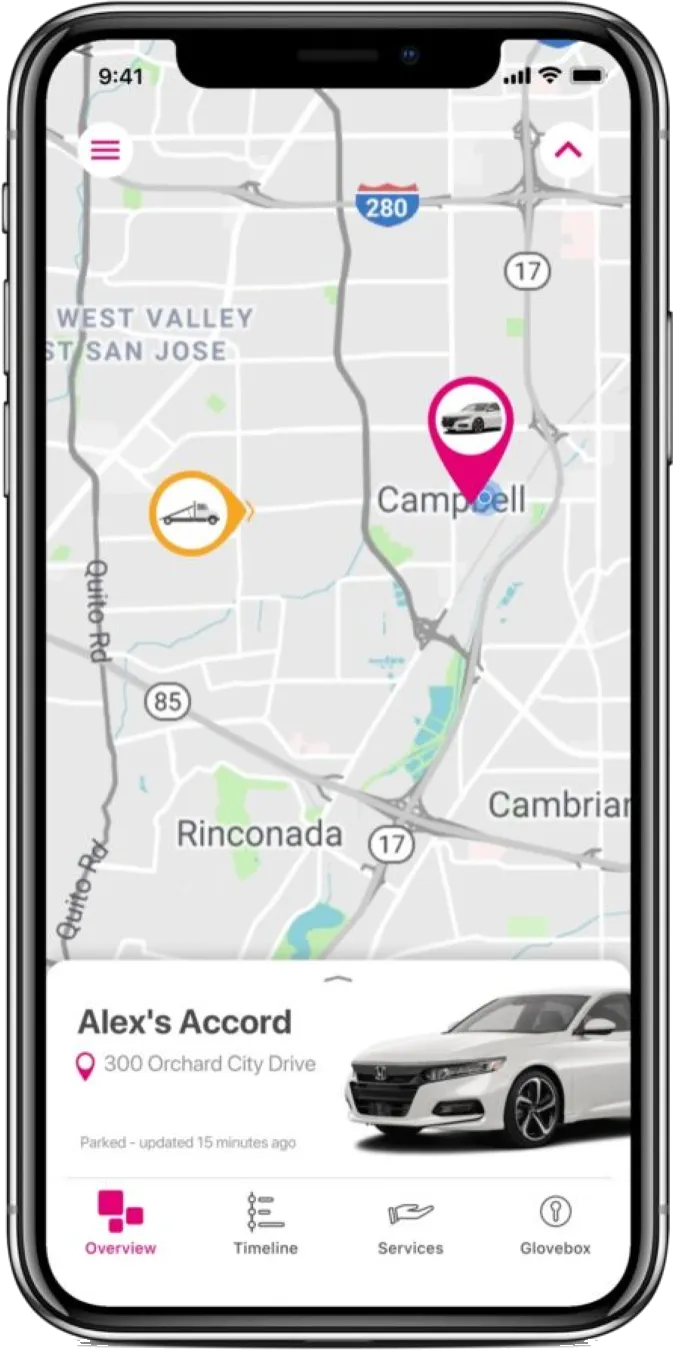
Map becomes central to experience, helps the app feel lighter and ‘modern’
Parking, the true outlier, could be accessed via a mode switch toggle
Most frequently sought information featured in a prominent location
“Context cards” deliver important, time-relevant updates
Vehicle drill-downs
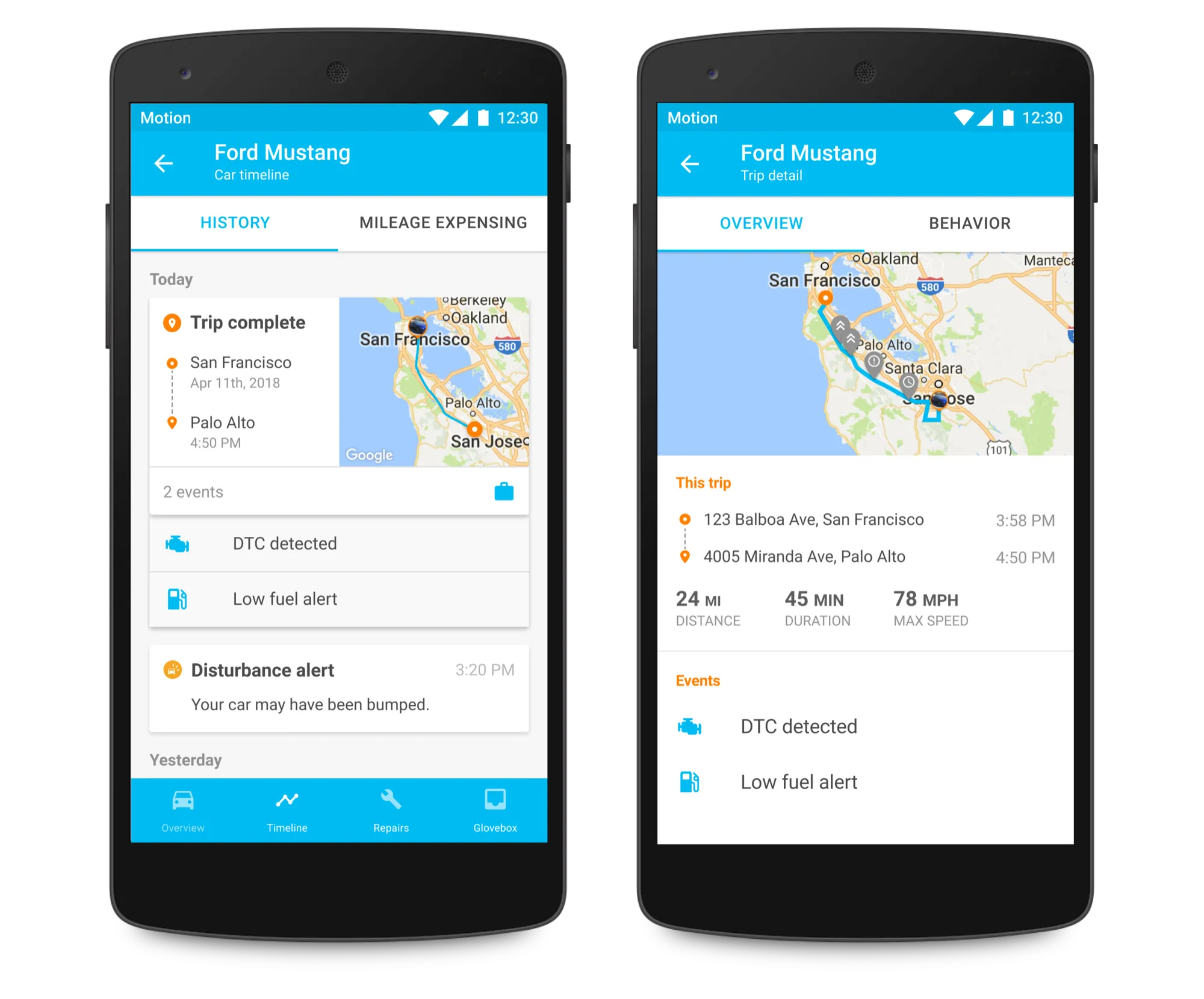
The home screen covered most of what people needed, but the deeper, less frequent features still needed to be accessible. Pull up the drawer and you drill into the selected car, landing in Car Overview. From there, the bottom navigation moves between that car’s functions, like Car Timeline.
Car Timeline
Trip History got the other big change. The old app had two separate sections, Trip History and Notifications, and they overlapped: both told you when a trip started and ended. Knowing which trip caused a diagnostic trouble code to occur made the issue much easier to diagnose.
So I combined Trip History and Notifications into the Car Timeline, creating one place to review your car’s story.
Where it went
I handed Mojio a finished app for iOS and Android. I left before it shipped, and things changed over the following year, as they do, but most of the approach and thinking held.
White-labeled versions with my design work shipped in the US as T-Mobile SyncUp Drive.